
When an automatic gate stops working the way it should, the cause could be in the gate itself, the operator that moves it, the access controls that tell it when to open, or the safety devices that tell it when to stop. This guide covers common problems, what can cause them, what you can safely look for, and when it’s time to call a technician.
Not every problem is listed here. If your gate is doing something unusual, a diagnostic inspection is the most reliable way to find the cause.
A gate operator moves a heavy gate with a lot of force. Keep any checks you make to what you can see from outside the gate’s path of travel.
About the manual release: Many gate operators have a manual release that lets the gate be moved by hand, but the steps are different from model to model. Follow only the instructions in your operator’s manual, and only when the gate is not moving. If you don’t have the manual or aren’t sure, call a technician instead.
A gate that won’t move doesn’t automatically mean the operator has failed or needs to be replaced. Most problems come from one of four areas, and some involve more than one.
The gate itself and the parts it moves on: rollers, wheels, track, and hinges. On chain-driven slide gates, this includes the chain and the brackets that hold it.
The motor unit that moves the gate, including its control board, power supply, backup batteries, and the settings that tell it where to stop.
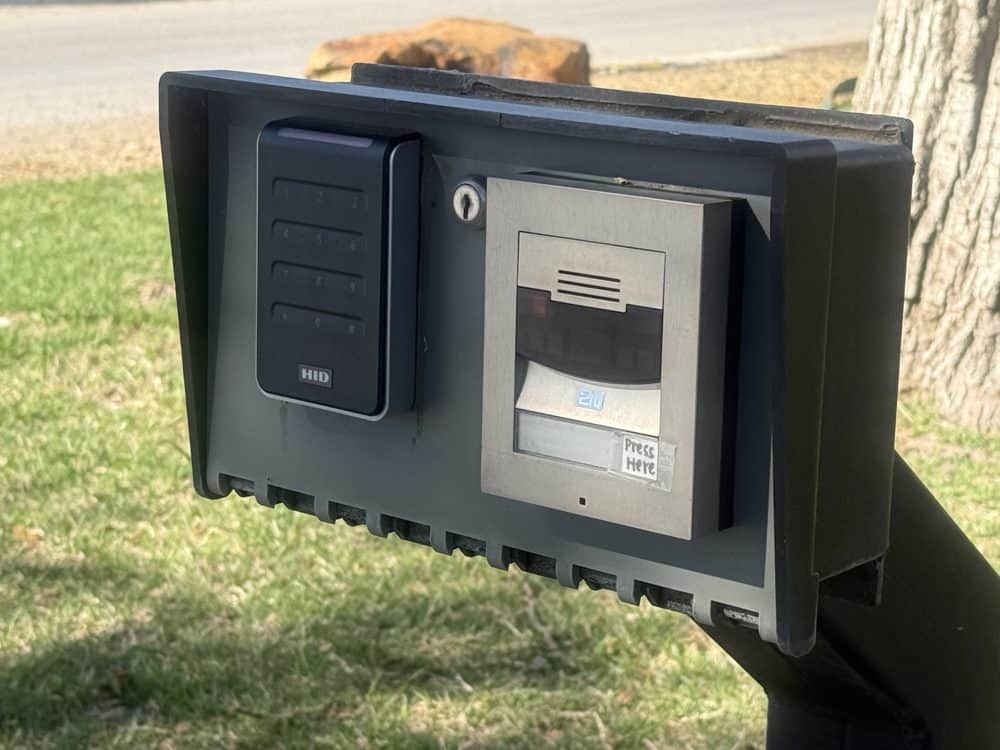
The devices that tell the gate to open, such as remotes, keypads, receivers, and switches or detectors that open the gate for vehicles.
Photo eyes and safety edges that tell the operator something is in the way, so the gate stops or reverses instead of closing on it.
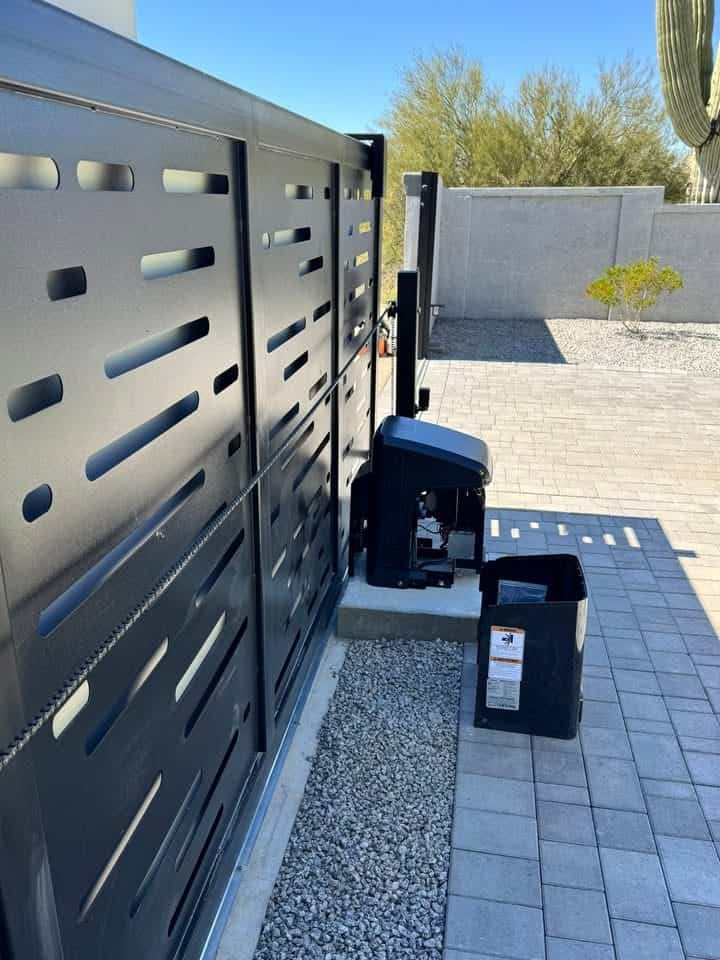
We check all four, so the repair addresses the actual cause rather than the symptom you see at the gate.
Jump to a problem:
The causes below are possibilities, not a diagnosis. Several different problems can look the same from the driveway, which is why a hands-on inspection is the only way to confirm what failed.
What you may notice: The gate doesn’t move when you use the remote, keypad, or another control. You may or may not hear the operator run.
What you may notice: The gate stays open, starts to close and then stops, reverses back open, or opens again on its own after closing.
A gate that reverses is often a safety device doing its job: the operator has sensed that something may be in the way.
Many of the causes listed under “My gate won’t open” can also keep a gate from closing.
For more detail on this problem, read Automatic Gate Won’t Close? 7 Causes to Check First.
What you may notice: One remote works and another doesn’t, a remote only works up close, or the keypad doesn’t respond.
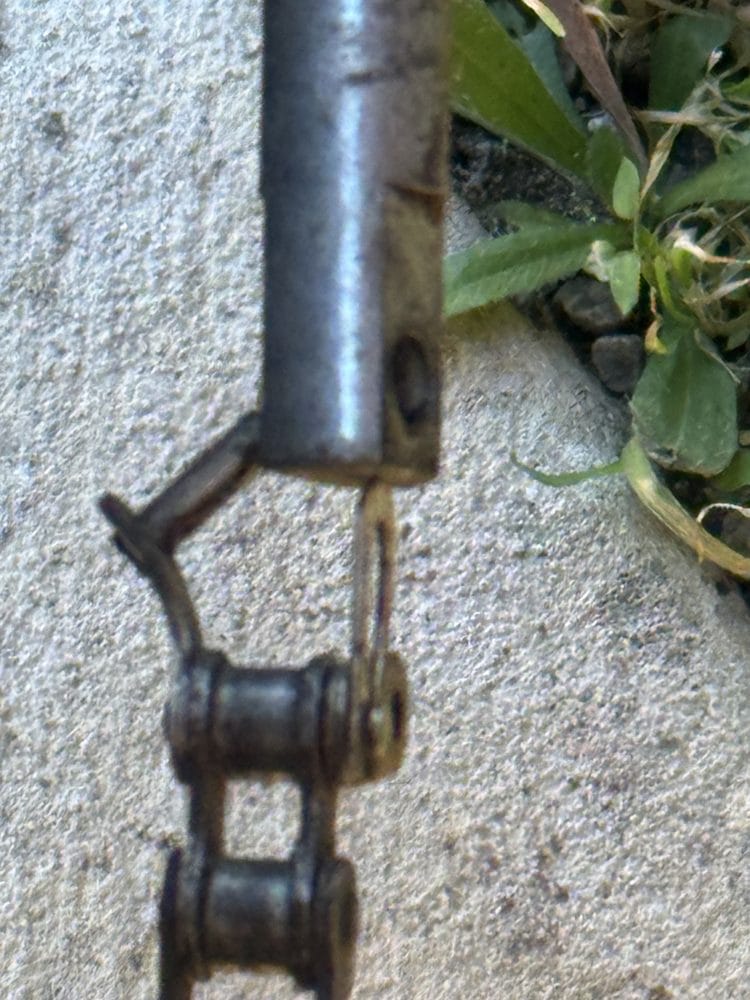
What you may notice: On a chain-driven slide gate, the chain sags or droops, slaps against the gate, or the gate jerks as it moves. Sometimes the motor runs but the gate doesn’t move.
What you may notice: You hear grinding or squeaking, the gate drags or hesitates, it moves slower than it used to, or it works some days and not others.
We recommend having a professional check your automatic gate operator at least once a year. Operators sit outdoors year-round, and rodents like to nest in operator covers, where they can chew wiring. The covers can also attract wasps, yellow jackets, and bees. A regular check can help catch worn parts and safety-device problems before they stop the gate.
Your operator may also give you early clues, such as new noises, slower movement, or a gate that hesitates or reverses. If you notice any of these, it may be time for a checkup.
A diagnostic inspection finds the actual cause before any parts are replaced. Our technicians test the operator, wiring, sensors, and controls, then show you what they found and explain your repair or replacement options in plain language before any work begins.
Contact us to discuss the maintenance needs of your gate and what the service includes.
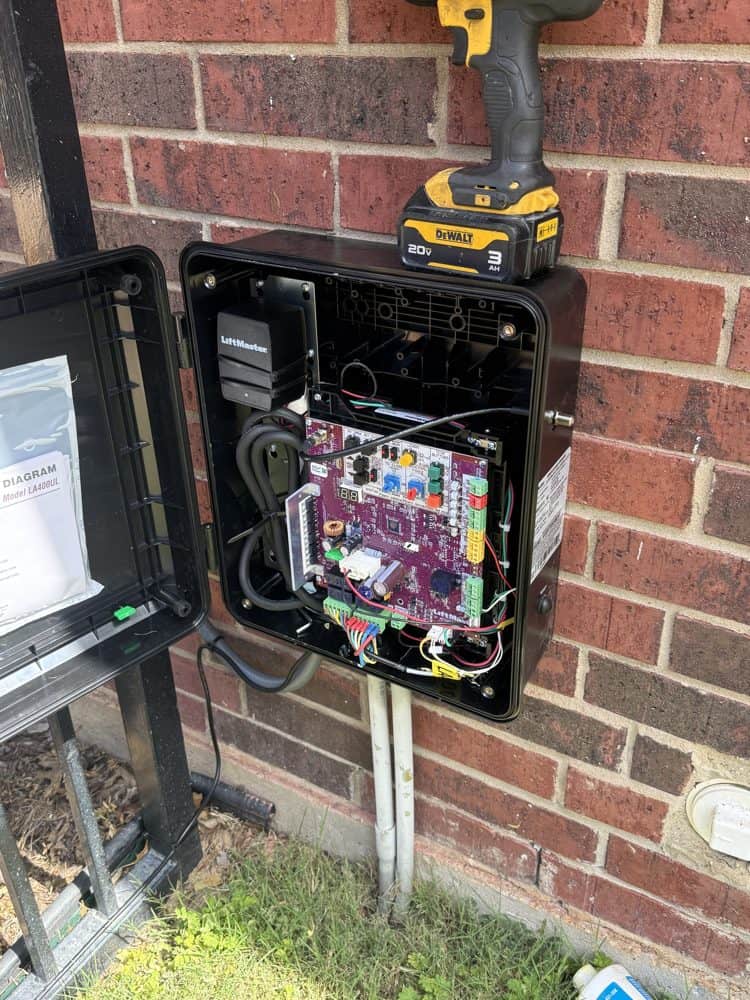
It depends on several things, including whether your gate slides or swings, the gate’s weight and length, how often it opens and closes, the site and mounting conditions, and your power and access needs. A site evaluation is what confirms the right fit.
If you’re replacing an older operator, start with How to Choose a Replacement Gate Operator. You can also compare LiftMaster slide gate operators and LiftMaster swing gate operators.
Not necessarily. Many problems come from the gate hardware, access controls, safety devices, or power, and many operator problems can be repaired. A diagnosis shows whether repair or replacement makes more sense. Learn more in Repair or Replace Your Gate Operator: How to Decide.
No. The force setting is part of how the operator senses an obstruction and reverses. A gate that struggles usually has a mechanical cause, such as worn rollers, a damaged track, or a gate that drags. Raising the force can hide that problem and make the gate less safe, so have a technician find the cause.
Some operators have battery backup that keeps the gate working for a while after the power goes out, but backup batteries have limits and wear out with age. If your gate won’t move during an outage, check your operator’s manual for its manual release steps, and only use the release when the gate is not moving. If you’re not sure how, contact us.
Photo eyes and safety edges detect people, vehicles, or objects in the gate’s path so the gate stops or reverses. They are part of the entrapment protection that the UL 325 safety standard requires for gate operators. Read more in UL 325 and ASTM F2200: What Actually Keeps an Automatic Gate Safe.
A closer look at sensors, limits, chains, and other reasons a gate stays open.
How safety standards, entrapment protection, and gate construction work together.
What to weigh when a technician finds a problem with your operator.
Tell us what your gate is doing and when it started. We’ll diagnose the gate, operator, controls, and safety devices, then explain what we found and your options before any work begins.
Office hours: Mon to Fri 8am to 5pm · Sat 8am to 3pm · Sun closed
Have an Emergency? Give us a call 24/7