

An automatic gate operator uses electricity to run its motor, control board, sensors, receiver, keypad, and connected accessories. Power is not universally required to hold the gate in place. Its mechanical design, drive system, installation, grade, and condition determine whether it stays put.
When utility power fails, a battery-backed operator may continue for a limited number of cycles. A unit with no usable backup may stop at its current position. Some installations respond through a programmed emergency-access or fail-open function. Never assume the gate will open, close, or remain in place.
A motionless gate after a storm is not proof of damage. It may simply lack power. Check only user-accessible power indicators when safe. Do not open an electrical enclosure, bypass a control, or keep sending commands when the path is blocked.
Battery backup can keep selected operators and controls working without AC power, but runtime is not fixed. It changes with the model, battery condition, temperature, gate resistance, accessories, charging state, and cycle count.
The current LiftMaster LA400UL product page identifies that specific 24VDC residential linear actuator as having battery backup. That statement does not apply to every LiftMaster operator or automatic gate. The label and manual for the exact unit govern its power behavior.
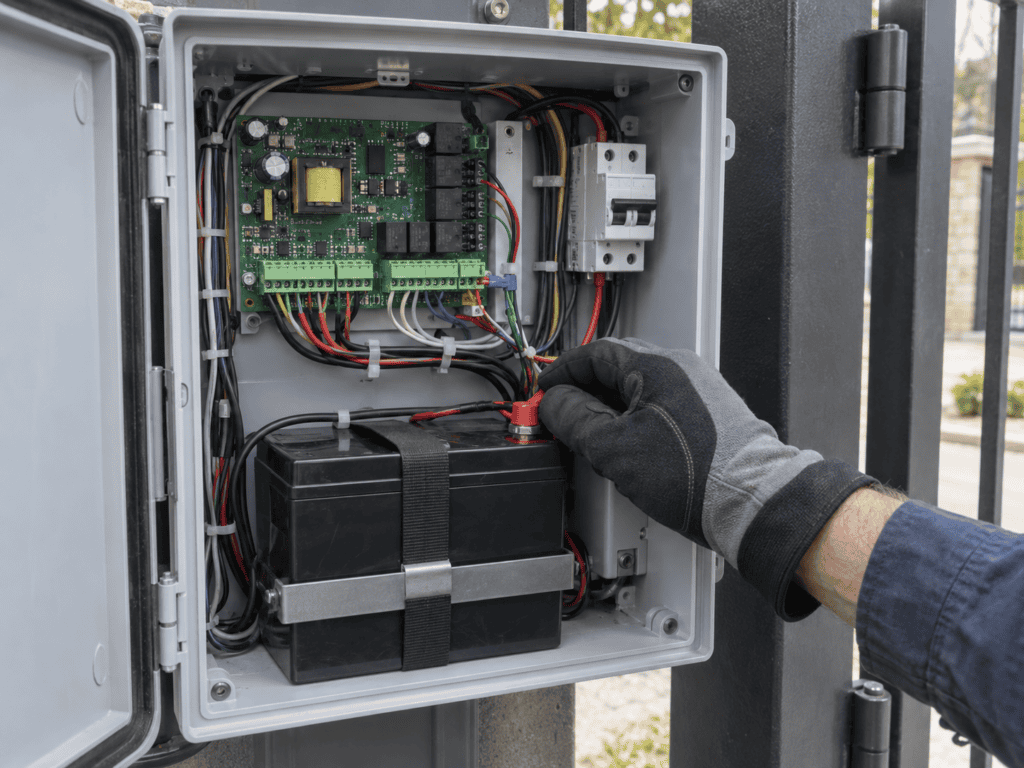
Older LA400 documentation describes operator generation. The official LA400 installation and operation manual is not a general rule for the current LA400UL or unrelated equipment. Low battery voltage may limit or stop operation according to the model. A gradual slowdown is not a universal warning.
The A1 Gate Guys overview of LiftMaster swing gate operators can help identify the operator family before its label and manual are checked. A working battery-backed system may continue during a short outage, but runtime and behavior still vary by model and site conditions.
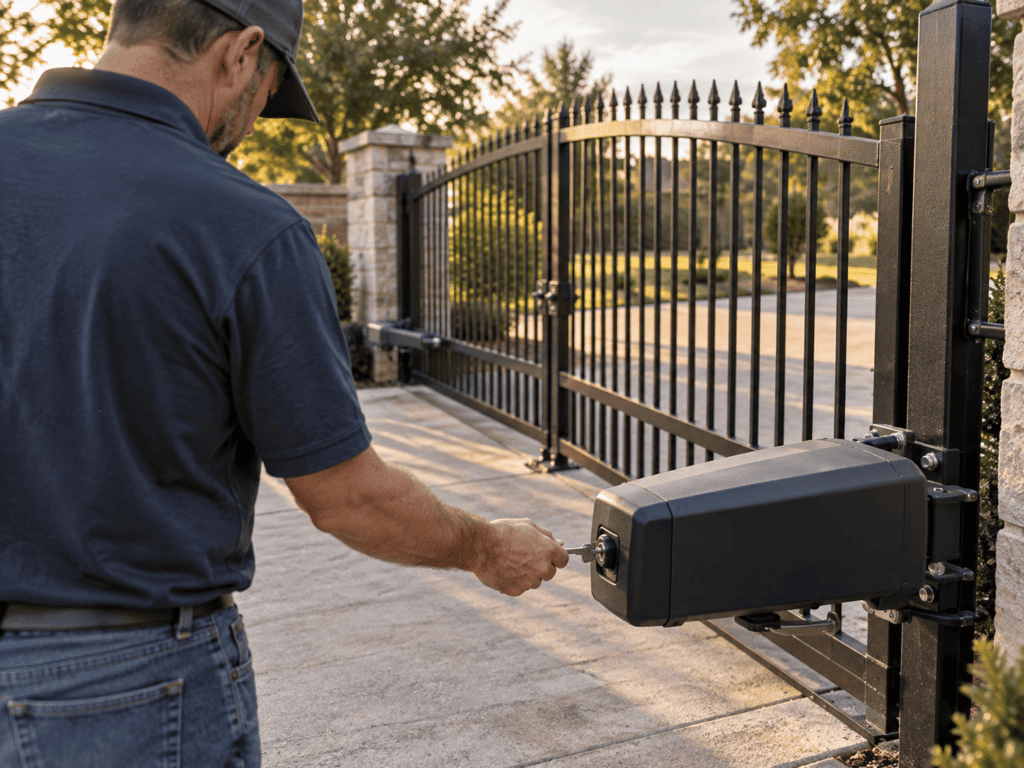
Many automatic gate operators include a model-specific manual release. It may use a key, lever, handle, crank, chain disconnect, or another mechanism. No type is universal. Follow the exact operator manual. The A1 Gate Guys guide to manually opening a residential automatic gate shows common arrangements, but the manufacturer’s instructions take priority.
Wait until the gate is completely stopped. Keep people, vehicles, and pets outside the travel path. Stand where the gate cannot swing, roll, or fall toward you. Never force a gate that is damaged, unstable, unusually heavy, unbalanced, or on a slope, even after the operator is disconnected.
If the release does not move normally, stop. Extra force may damage it or leave the gate uncontrolled. Re-engagement and reset steps vary by model. After power returns, follow the manual before testing. If the gate does not move with normal effort or reconnect as described, leave it secured and request a diagnosis.
A generator may be part of a longer-outage plan, but the gate and electrical installation must be designed for it. Do not connect one directly unless the operator documentation and installed system permit it. A qualified electrician should confirm size, approved connection equipment, grounding, and any transfer arrangement. Never backfeed a circuit.
The CPSC’s 2026 portable-generator guidance says portable generators must run outdoors, at least 20 feet from homes and buildings, with exhaust away from windows, doors, and vents. This protects people from carbon monoxide. It does not confirm generator compatibility with a gate.
Before severe weather, find the model, manual, and release key. Make sure responsible property staff know where the release is stored and who should use it. Have the battery and charging system checked on the manufacturer’s schedule. Keep vegetation and loose objects away from the path.
Routine automatic gate maintenance makes storm checks easier. Clear the track or swing arc, look for loose hardware, and note any movement change before bad weather. Do not wait for an outage to find a missing key or failed battery.
After power returns, walk the travel path before sending a command. Look for branches, gravel, pooled water, damaged hinges, a displaced track, or a blocked photo eye. Watch one cycle from a safe location. Stop if the gate binds, makes a new noise, reverses unexpectedly, moves unevenly, or ignores a control.
A post-storm symptom does not name its cause. Possibilities include debris, moisture intrusion, sensor misalignment, a depleted or failing battery, a charging or power-supply problem, or surge-related damage when power returns. The A1 Gate Guys list of common gate operator problems can organize the symptoms, but testing is needed before a repair decision.
If normal power is present and the gate still will not complete a safe cycle, repeated resets are not a diagnosis. Keep the path clear and note any display code, sound, or stopping point. For repeat failures, unavailable parts, or older safety hardware, the guide to repairing or replacing a gate operator explains the factors that matter after the cause is known.
If your gate has not returned to normal after an outage, or the manual release does not operate as the manual describes, call A1 Gate Guys at 469-277-8333 to schedule a gate operator diagnosis.
No. Behavior depends on the operator, available battery power, accessories, programming, and installation. A gate may continue on battery power, stop where it is, or respond to a configured emergency-access or fail-open function.
Not automatically. The gate must be fully stopped, and the model-specific release must be used exactly as the manual states. Stay outside the travel path. Do not force a heavy, damaged, unstable, unbalanced, or sloped gate.
There is no reliable universal runtime. Battery condition, temperature, gate resistance, accessories, charging state, operator model, and cycle count all affect how long operation remains available.
Some operators support a manufacturer-approved battery backup or compatible power option, but others do not. Compatibility must be confirmed for the exact model and control system.
Possibly, if the operator and electrical installation are designed for it. A qualified electrician should confirm sizing and approved connection or transfer equipment. Never backfeed a circuit or improvise wiring.
Check the full gate path, track or swing arc, hinges, visible wiring, photo eyes, standing water, and debris. Watch one cycle from a safe location and stop if movement is abnormal.
Moisture, shifted debris, sensor misalignment, a depleted battery, a charging fault, or possible surge-related damage may appear after normal use resumes. The symptom alone cannot identify the cause.
They may, if the operator and connected safety devices receive compatible backup power and the system is operating normally. If the system has no power, powered sensors and automatic protection functions cannot operate.