
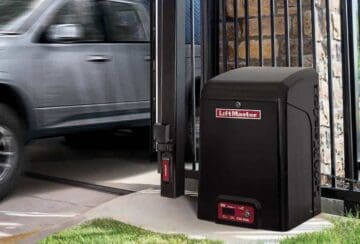
A stopped gate can start moving without warning. A command, a timer, a vehicle detector, or restored power can trigger it. Until a technician has inspected the operator:
Avoid pressing the remote over and over. If the operator hums, grinds, binds, or looks damaged, repeated commands may strain a motor that can’t move the gate.
“The opener makes noise but the gate won’t move” can describe several different situations. Telling a technician which one you have, and what you heard first, gives them a better place to start.
If it sounds like normal motor operation and the gate doesn’t move, the drive may no longer connect the motor to the gate, the gate may be released or partly disengaged, or it may be stuck. On chain-driven slide gates, a loose or displaced chain is one known cause, and our common gate operator issues guide explains why chain problems belong with a technician.
These causes look alike from outside the fence, so the sound doesn’t prove the motor has failed, or that it’s healthy. It helps to know whether the gate moved before the noise began and whether anyone used a manual release recently.
A hum or buzz means something is energized. It doesn’t say what failed. Possible explanations include:
LiftMaster’s troubleshooting guide for its 2022 UL 325 models treats the motor, capacitor, transformer, and relay as separate parts to check, which is a reminder that the same noise can come from more than one place. If the hum continues, note how long it lasts and stop sending commands.
A click shows that something responded. It could be a relay, a lock accessory, or a control. It doesn’t show that the motor is getting adequate power.
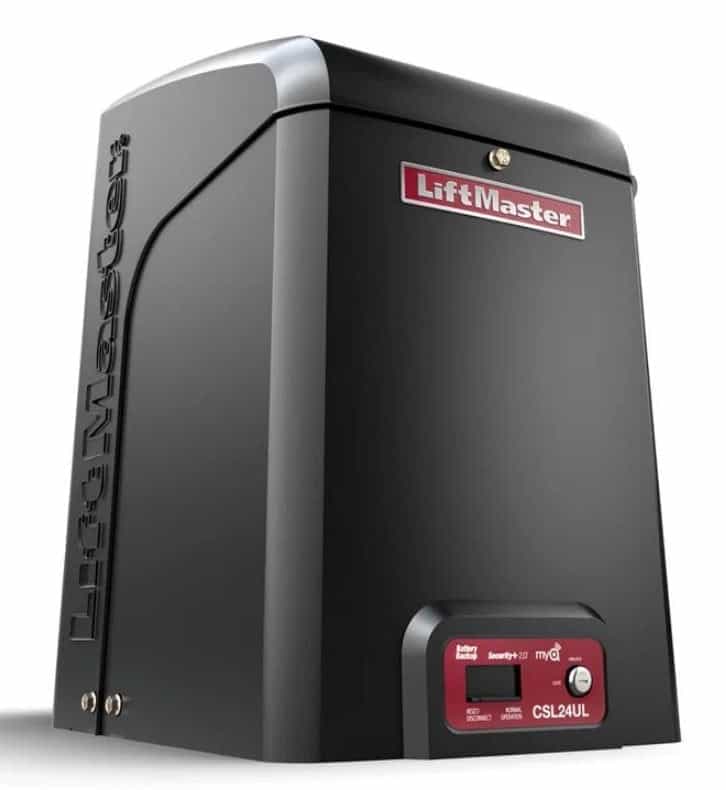
LiftMaster’s CSL24UL installation manual, written for one 24VDC commercial slide operator, shows how many places a silent motor can start. Its troubleshooting chart lists seven possible causes when the control board powers up but the motor doesn’t run: a stuck reset switch, an active stop input, low or dead batteries, an open or close input that’s stuck on, an active entrapment protection device, an active vehicle detector, or a failed control board. Most of those aren’t the motor. It’s one model’s chart, so treat it as an example, not a checklist for your operator.
If you’ve already heard a click, tell the technician what it sounded like and when. There’s no need to make it happen again.
Working lights or outlets elsewhere on the property don’t confirm that the operator is getting adequate power. An operator may have its own circuit, fuse, transformer, or battery system, and any of those can fail or deliver too little while the rest of the property looks normal. The same CSL24UL chart lists no power at the control board, an open fuse, and low or dead batteries as separate causes when that operator doesn’t run.
If the trouble started after an outage or storm, our power outage guide explains what gates may do when power is lost and why release steps depend on the exact model. Checking the operator’s own supply means working inside an enclosure, which we don’t recommend you open.
| What you notice | What it may point to | Safe next step |
|---|---|---|
| Motor sounds like it’s running; gate doesn’t move | The drive not engaging the gate, a released gate, or a mechanical jam. A motor problem is also possible. | Stop sending commands, stay out of the path, and note whether the gate moved before the noise began. |
| Hum or buzz; no movement | A motor that’s energized but can’t turn, a weak start component on an AC operator, low supply, or another part making the noise | Stop sending commands, and note how long the hum lasted. |
| A click and nothing else | A relay, accessory, or control responding. The motor may not be receiving power. | Report what you heard and when. Don’t try to make it click again. |
| No sound, lights, or display at all | Possible loss of power to the control board, an open fuse, or depleted batteries | Note any indicator you can see without opening the cover. |
| Click or hum along with beeps or a display code | The operator may be reporting a condition, such as a battery or safety-input problem | Write down the beep pattern or code exactly, and don’t reset it repeatedly. |
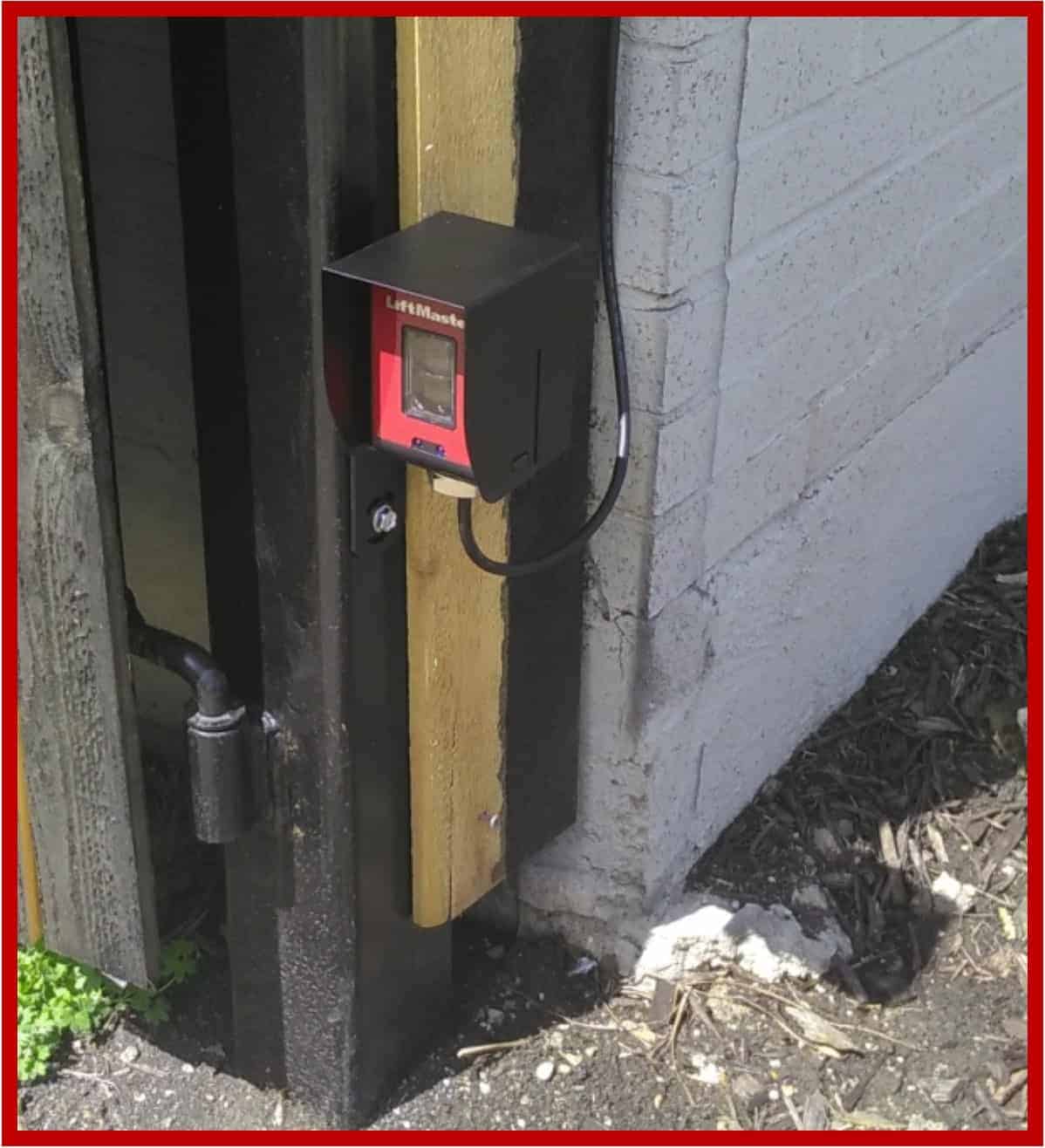
Some operators won’t run unless their entrapment protection is working. That means devices such as photo eyes and contact edges, which stop or reverse a gate when something is in its path. According to DASMA’s UL 325 frequently asked questions, a 2016 update to the standard requires slide and swing gate operators to have at least two means of entrapment protection in each direction of travel for the operator to function. Swing gate operators have an exception: if there’s no entrapment zone in one direction, one device is enough for that direction. Which devices qualify depends on the manufacturer (questions 8 to 10, page 2). The same document says existing operators don’t have to be upgraded to the current standard (question 3, page 1).
So, depending on the model, its age, the direction of travel, and the setup, a blocked, misaligned, or faulty protection device may keep an operator from running. A quiet operator doesn’t always mean a failed motor. We can’t tell which applies from the driveway, and it’s never a reason to bypass anything. Our UL 325 and ASTM F2200 guide covers how the requirements differ by gate type and installation.
The same sound can come from the gate hardware, the operator, the access controls, or the safety devices, so we look at all four. An operator isn’t meant to make up for a gate that binds or drags. Before any work begins, we show you what we found and explain your repair and replacement options.
If anyone is trapped, pinned, or injured by the gate, or you see smoke, sparks, or flames, call 911 first and keep others back. That’s an emergency, not a service call.
A vehicle that can’t get in or out, with nobody in danger, is urgent but different. Keep everyone clear, don’t force anything, and have a technician look at it.
Not necessarily. A hum shows that something is energized. The cause could be a binding gate or drive, a weak start component on an AC operator, low supply, or a different part making the noise. Only an inspection can say which.
On some operators, yes. Depending on the model, direction of travel, and setup, required protection devices have to be connected and working for the operator to run. Never cover, disconnect, or bypass a sensor to find out.
Only if your manual describes it, only when the gate is fully stopped, and not if you hear humming or grinding or see damage. Some operators aren’t designed to run while released. If you’re unsure, leave it alone and call a technician.
Share your gate type (slide or swing), the operator brand if you know it, the sounds you already heard, when the problem started, whether it followed an outage or storm, and any beeps or display codes. There’s no need to operate the gate again to collect more details.
If your opener is making noise and the gate isn’t moving, call us at (469) 277-8333 or send the details through our contact page. We service operators and access equipment on existing sliding and swing gates, including LiftMaster slide gate operators, across Plano and North DFW, including McKinney, Frisco, Allen, Prosper, and Richardson. Our office is open Monday to Friday, 8am to 5pm, and Saturday, 8am to 3pm. For emergencies, you can call us around the clock. We diagnose the operator before recommending a repair or replacement.